
A live control room that lets the source stay yours.
MetaStream is a native iPhone streaming app for creators who want to choose the capture surface and the output path: phone camera or connected Meta glasses, direct RTMP(S), or OBS camera-source mode.
Native SwiftUI · glasses optional · phone camera fallback · direct RTMP(S) and OBS integration surfaces under validation.
The reason for the build
The stream should not decide the whole setup.
Who it is for
Creators who already think in sources, destinations, and OBS scenes—and want more control over how a live session starts and routes.
What it does
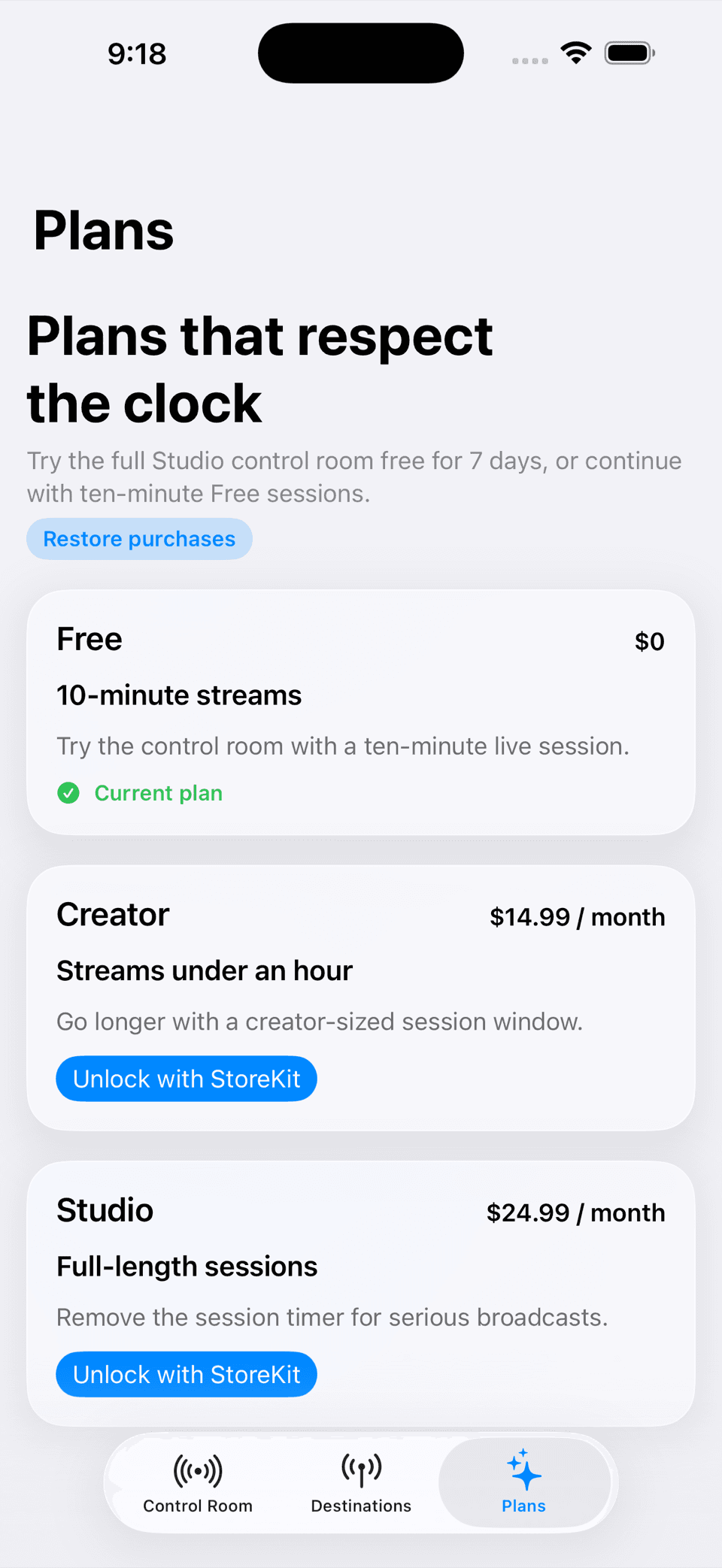
MetaStream brings capture, preview, session state, direct RTMP(S) destinations, and an OBS camera-source path into one iPhone control room.
Why we made it
Streaming often makes the creator choose between a single platform’s capture flow and a complicated stack of separate tools. The useful middle is a clear control room.
What feels different
It is glasses-first but phone-ready, and platform-neutral by design. The app can support a connected Meta glasses source without making the phone or OBS disappear from the workflow.
The utility
One source can lead to more than one kind of live session.
Direct output
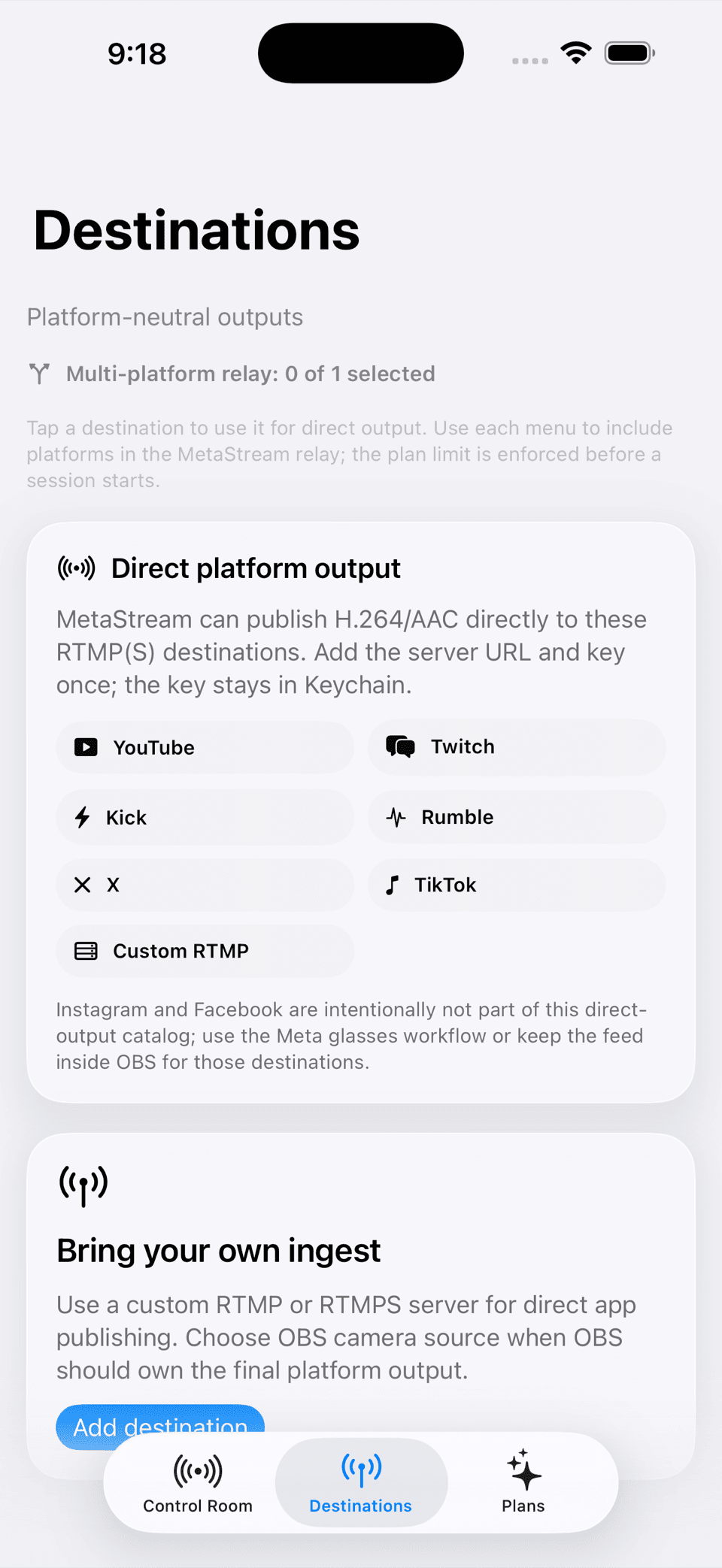
Use configured RTMP or RTMPS server details for destinations such as YouTube, Twitch, Kick, Rumble, X, or a custom ingest server.
OBS camera source
When OBS should own the final platform output, MetaStream can act as the camera-source side of the setup instead of trying to replace it.
A connected glasses path
Meta glasses can be an optional capture surface while the iPhone remains the control and coordination layer.
A phone fallback
The iPhone camera keeps the session useful when glasses are unavailable, disconnected, or not the right tool for the moment.
What is actually in the build
The interesting part is the handoff between surfaces.
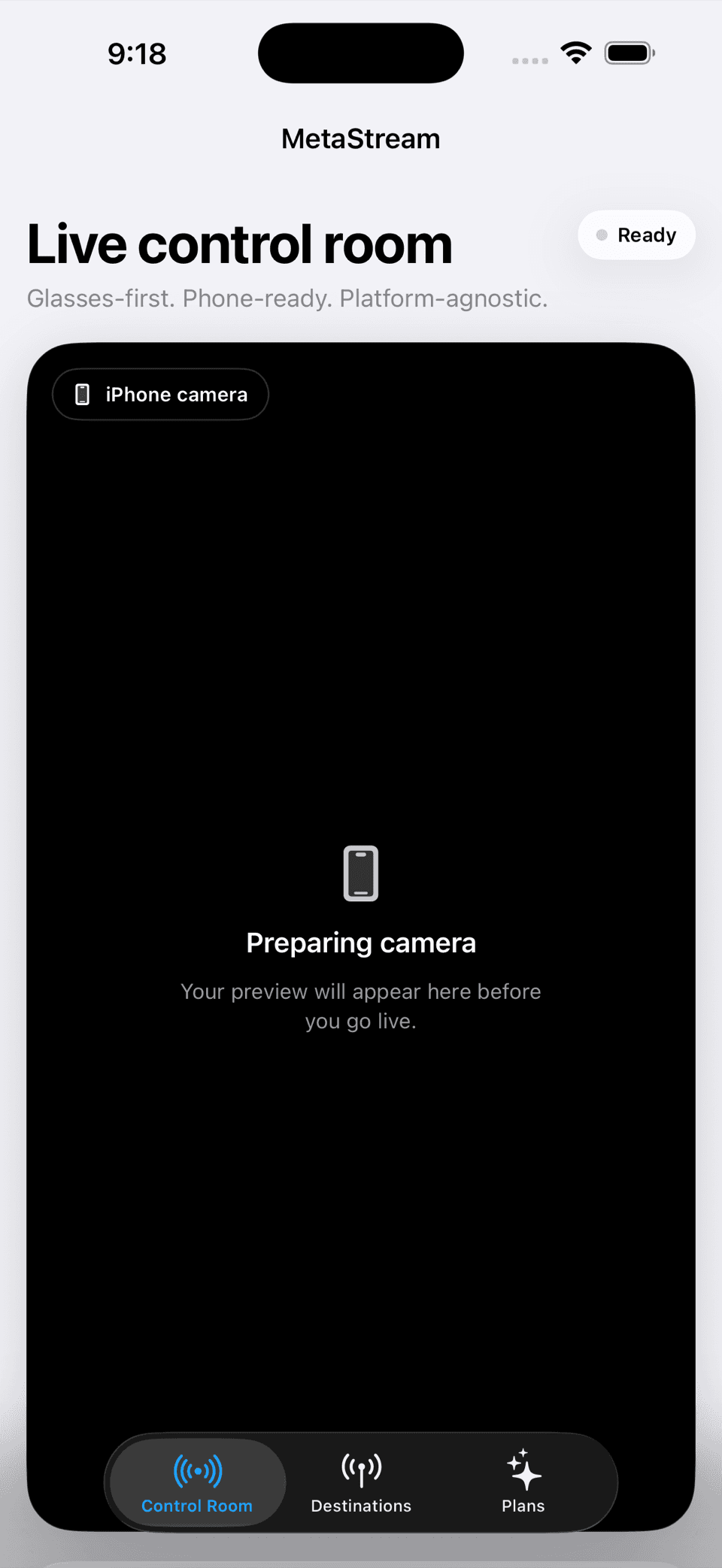
Source choice up front
The control room makes the current input visible before a creator commits to a live session.
Destinations in one place
The destination surface keeps direct platform output and custom ingest paths legible instead of scattering them across setup screens.
OBS can stay in charge
A creator can choose the OBS camera-source route when OBS should own scenes, switching, and the final platform output.
A deliberate boundary
Capture can be flexible without making the control plane vague.
The current destination flow keeps server URLs and stream keys behind the app’s local Keychain boundary.
The public page describes integration surfaces and current simulator evidence; third-party live delivery still needs its own release and platform verification.
Status and attribution
MetaStream is an independent BishopTech project. Meta, Meta AI, and related product names are trademarks of their respective owners; this project is not affiliated with or endorsed by Meta. The screenshots show native simulator states, and the connected-glasses and third-party platform paths remain subject to physical-device, platform, privacy, and release-channel validation.